Getting Started
The Fullstory Browser API allows developers to
- manage data capture
- consume custom event and user profile data
- generate session replay URLs that can be used to integrate replay deep links with other platforms.
What's new in version 2.1?
Snippet 2.1 moves capture configuration into the Browser API itself, so fewer settings live as page globals. It also drops the Promise polyfill, which softly ends support for IE11.
FS('init')is now the primary way to configure capture settings. With snippet 2.1+,initis called automatically during bootstrap, soorgId,host,script, andnamespaceno longer need to be set aswindow._fs_*globals. See Configure Capture.FS('getConfig')(and its asynchronous counterpart,FS('getConfigAsync')) returns the effective configuration Fullstory resolved from your settings, useful for confirming a migration from globals. See Get effective configuration.- The
data-fs-namespaceattribute on the snippet's<script>tag replaces thewindow._fs_namespaceglobal for setting a custom namespace. See Custom namespace. - The Promise polyfill has been removed from the snippet, which means IE11 is no longer supported. If you need to support IE11, make sure your global Promise polyfill is loaded before making any async api calls.
Snippet 2.1 is fully backward compatible with snippet 2.0: existing window._fs_* globals continue to work, so you can adopt init and the other 2.1 features incrementally rather than migrating everything at once.
What's new in version 2?
We've redesigned our Browser API from the ground up to provide a sleek, consistent interface that’s easy to use and future-proof. This means any new features won't require a snippet update. In addition, the following changes have been made:
- Type suffixes are no longer required for custom properties (it is actually required that you omit these suffixes for all custom properties). We infer all custom property types so you don't have to! Additional type fidelity can be achieved by providing an optional
schema. See Custom Properties. - Each API method has a corresponding asynchronous version that waits until capture has started to resolve. See Asynchronous Methods.
Installing the Fullstory Snippet
The Fullstory Browser API is available once the Fullstory data capture snippet is installed on your users' browser.
A couple of notes about the data capture snippet
- It’s super small, asynchronous, and designed to be unnoticeable to your users. You can read more about the negligible performance impact of Fullstory in this article.
- Once the Fullstory script loads, it captures all web based interactions and mutations.
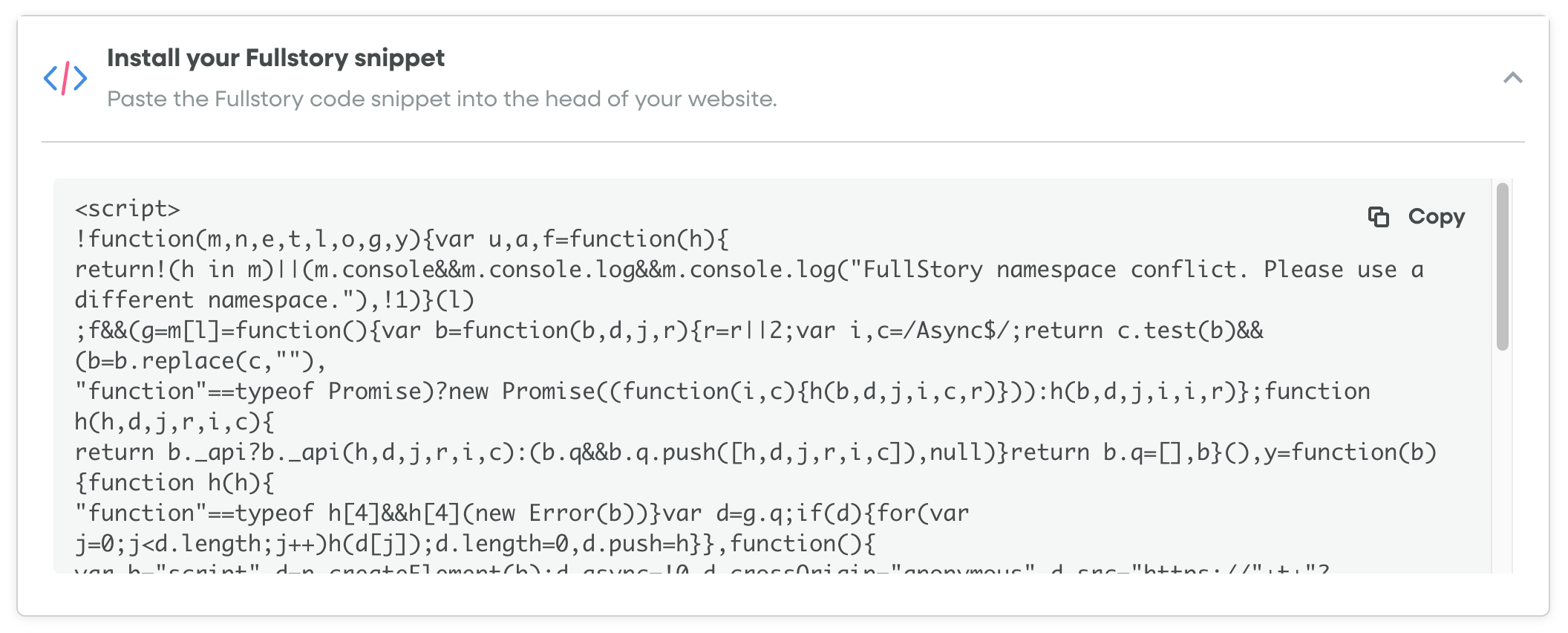
Getting the snippet from Fullstory Settings
You can find the snippet by navigating to Settings > Data Capture and Privacy > Fullstory Setup:
Using the Browser SDK
To install the Browser SDK, run
npm install @fullstory/browser
If you are updating from version 1, be sure to review the updating guide in the README. At a high level, version 2 of the Browser SDK uses named imports instead of wildcard (
'*') imports. Replace the following import statement:
import * as FullStory from '@fullstory/browser';
with the following:
import { FullStory, init } from '@fullstory/browser';
Other options for installing the snippet
The snippet also can be installed using:
Fullcapture Functions
Fullcapture can be controlled via capture stop, restart, and consent functions.
You can also add a callback handler that gets executed when data capture is fully initialized.
Custom Data Capture
Custom event, user profile data, and page data can be captured during a user browsing session. These data are indexed by Fullstory for search, segment, and metrics creation.
User identity can be managed with the identify and anonymize.
Getting Session Replay URLs
Session Replay URLs can be generated during a user session.
These URLs can be used to integrate session replay links with other tools (for example, integrating with Sentry for error tracking or New Relic for tracing).
Rage Click
The Rage Click Hook provides a method to react to Fullstory frustration events directly in the browser to trigger workflows locally.
More details about Ragehook use cases can be found here.